
Help topics
Projects and style
A project keeps the videos of one channel, client or series together and gives all of them the same look and context.
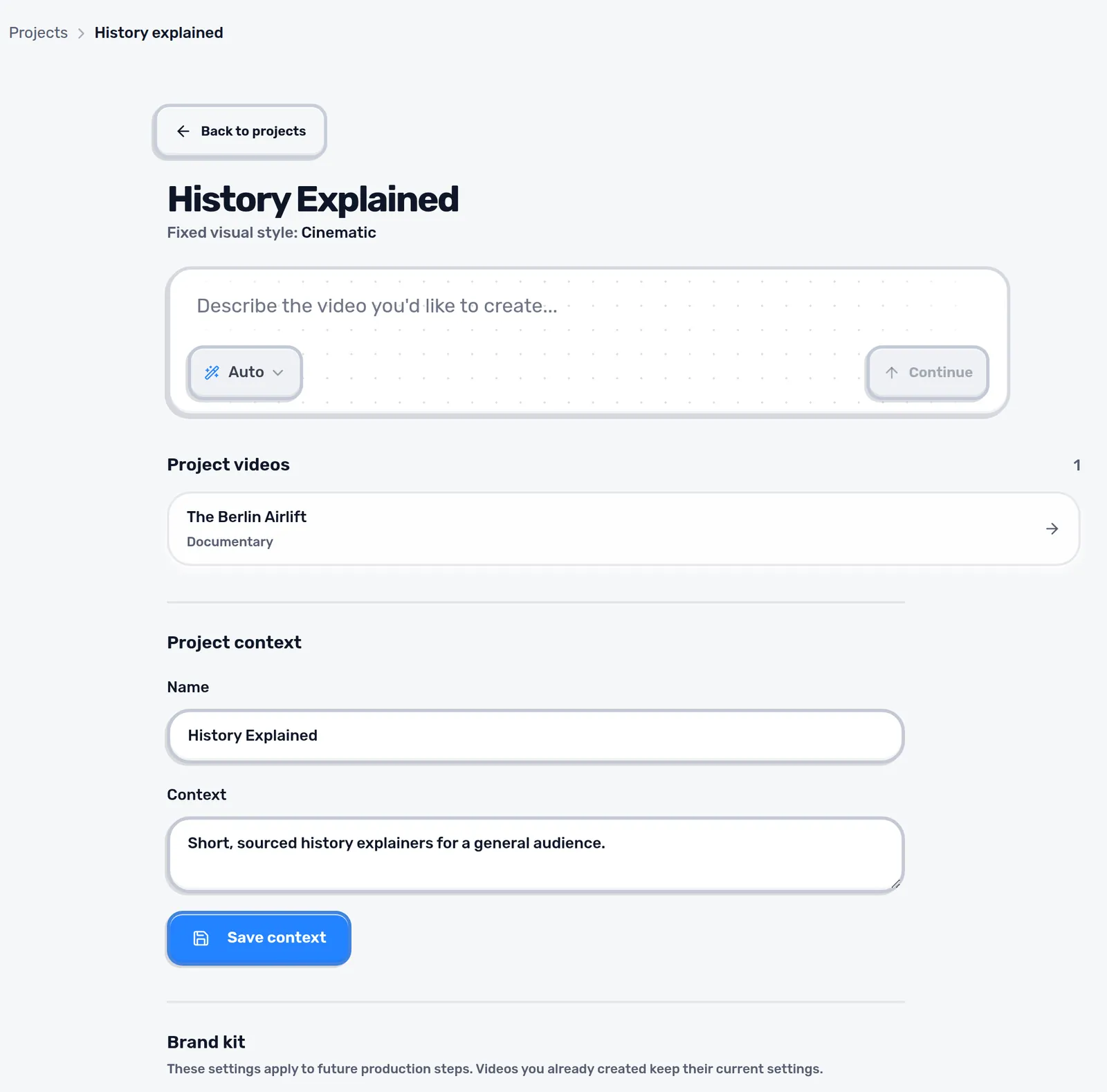
Create a project under Projects, give it a name and choose its visual style. The style is fixed for every video made in the project. The context is a short note Scenvy reads before each production, for example the audience, the tone and recurring rules such as “always give dates”.
Brand kit
- Colors for background, text and accents, and the display and body fonts.
- A transparent PNG logo and where it appears.
- Short intro and outro clips.
- Blocked domains, and whether disputed claims need two independent sources.
Brand kit changes apply to videos created afterwards. Finished videos keep their settings.
Channel presets and reference style
A channel preset stores format, length, languages, voice and captions so a series can be set up with one click in Create. Analyze a reference video measures cuts, fades and colors in one of your own videos (MP4, WebM or MOV, up to 90 MB and 3 minutes) and suggests pacing and an accent color for the project.
Tip: One project per channel or client keeps styles and rules from mixing.
Next: The editor