
Help topics
Your own material
You can add source links, footage, images, a finished script or a recording of your own voice. All of it is optional.
Source links
Links added under Your own sources in Create are fetched and checked like any other source. A statement only reaches the script when its wording is found in a source, so primary sources such as official reports or archives give the most reliable result.
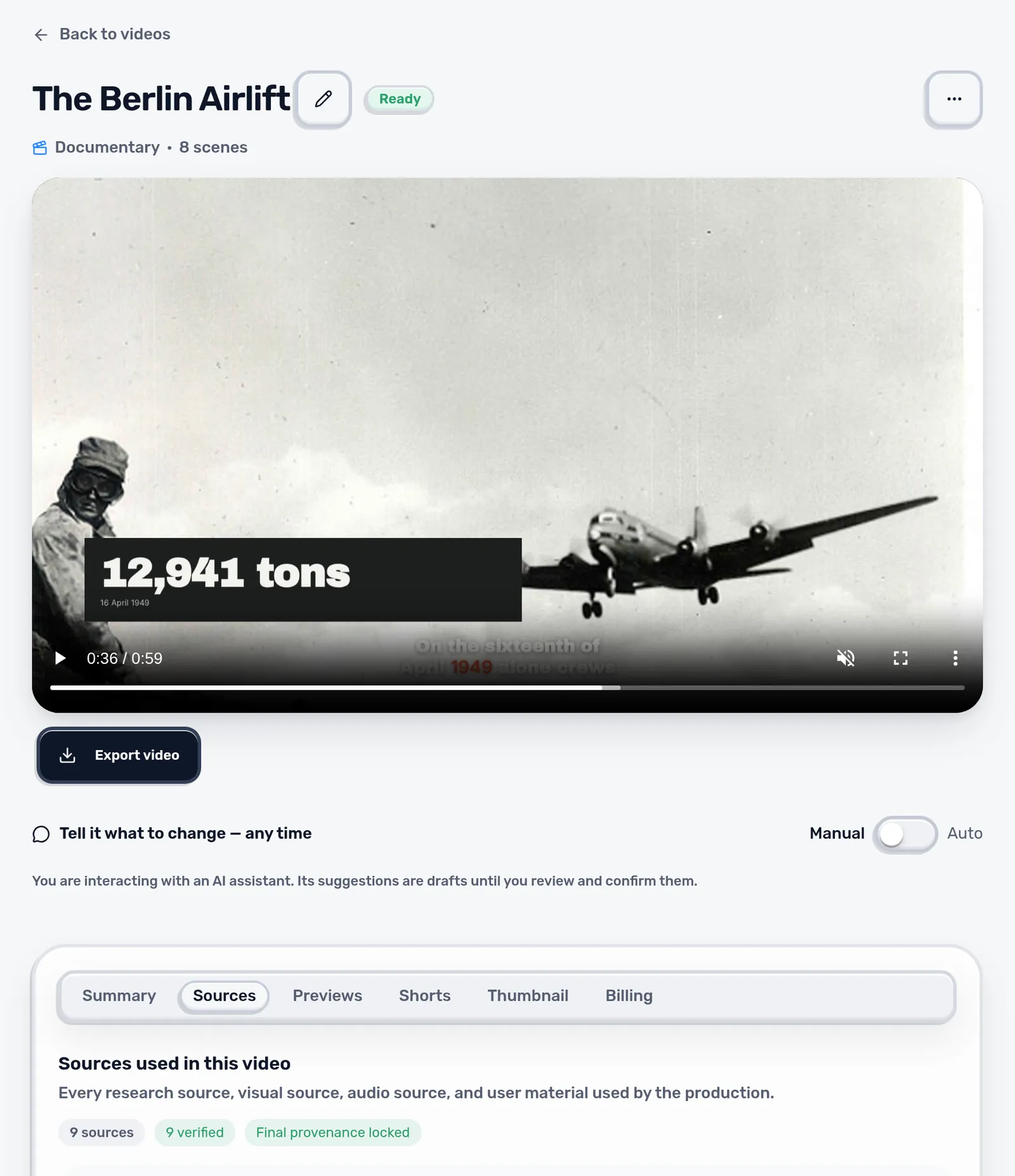
After production, the Sources tab of the video lists every source, which claims it supports and whether it was verified. In the example, all nine sources (three texts and six photographs) are verified.
Files
| Material | Formats | Needed for |
|---|---|---|
| Footage | MP4, WebM, MOV | Optional |
| Images | JPEG, PNG, WebP | Optional |
| Your voice | MP3, WAV, M4A, OGG | “My voice and my script” |
| Script or transcript | Text, VTT, SRT, JSON, or typed | “My script, AI voice” |
Files are checked before use. Size and duration limits apply; a rejected file shows the reason next to the upload.
Rights
- Upload only material you may use in this video and wherever you publish it.
- A successful upload is not a license check. Keep your permission and any required credit line.
- A source that supports a fact does not give you the right to reuse its pictures or sound.
Tip: Record your voice in a quiet room, close to the microphone and without music. Scenvy cuts the scenes to your timing, so long pauses stay in the video.
Next: Projects and style