
Help topics
Export and sharing
A ready video can be downloaded as an MP4, shared with a public link or taken into another editor.
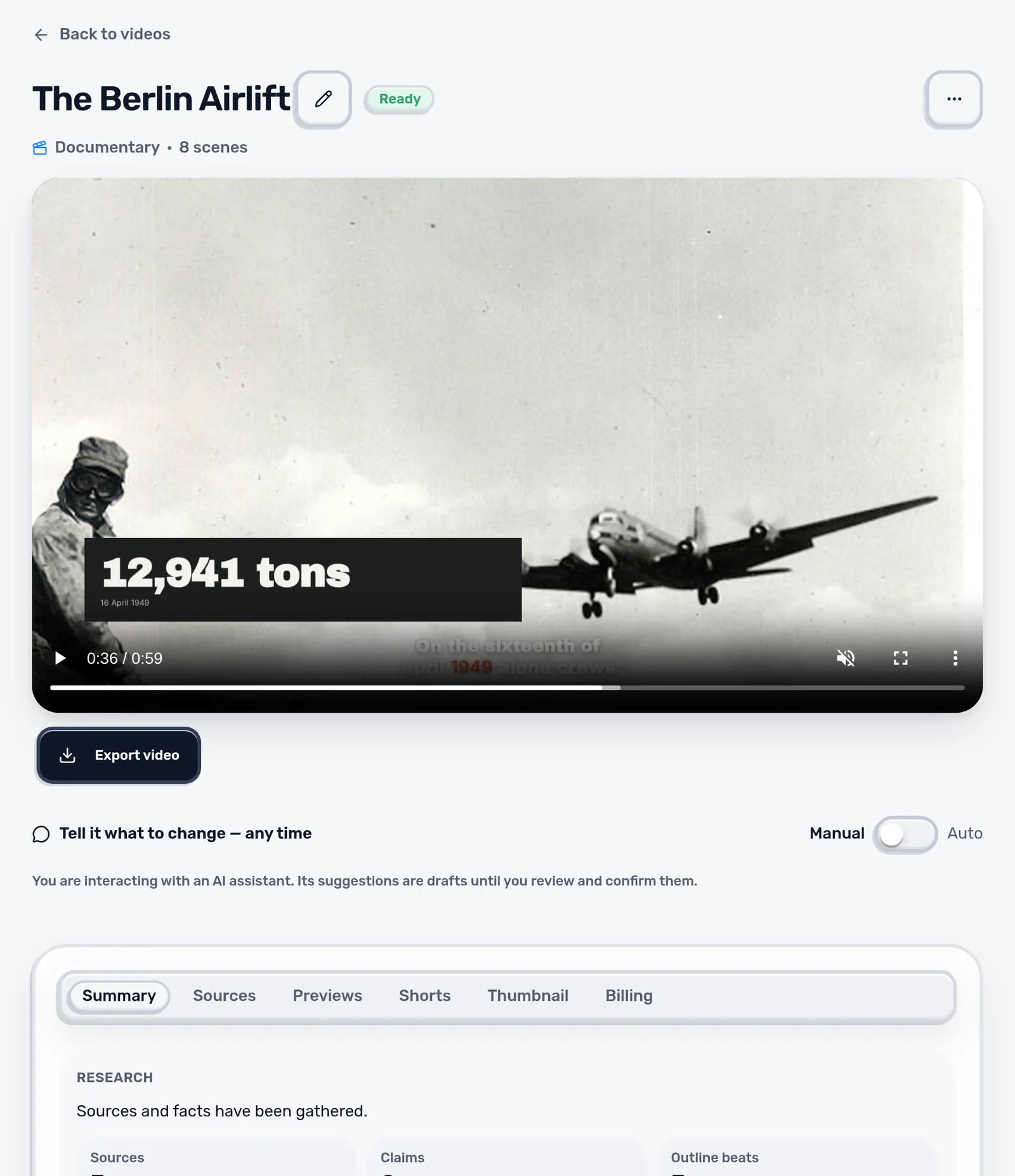
| Output | Where |
|---|---|
| MP4, 1080p | Video page, Export video |
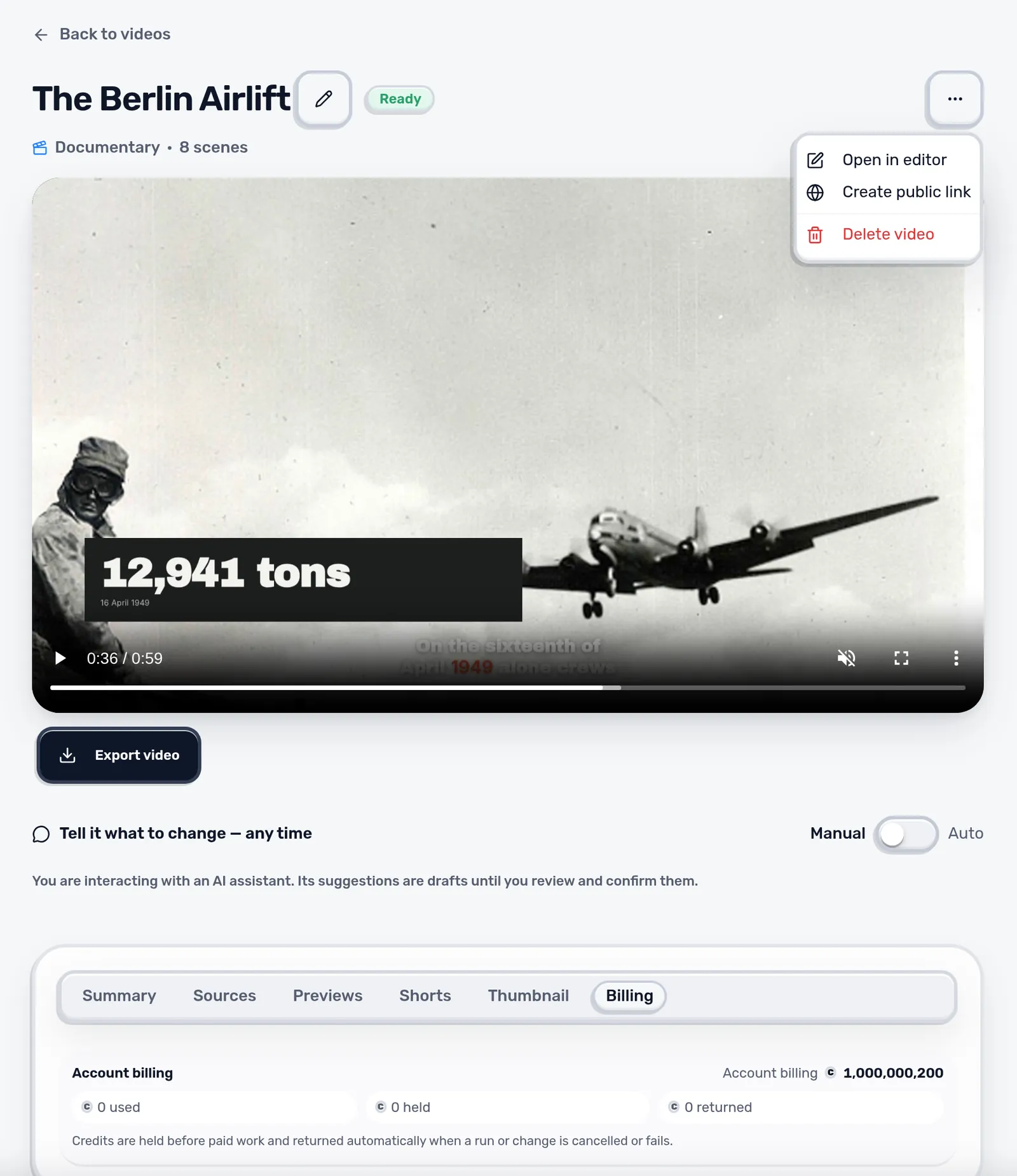
| Public link | Video menu, Create public link |
| YouTube package | Editor, YouTube package |
| Editable project | Editor, Project file |
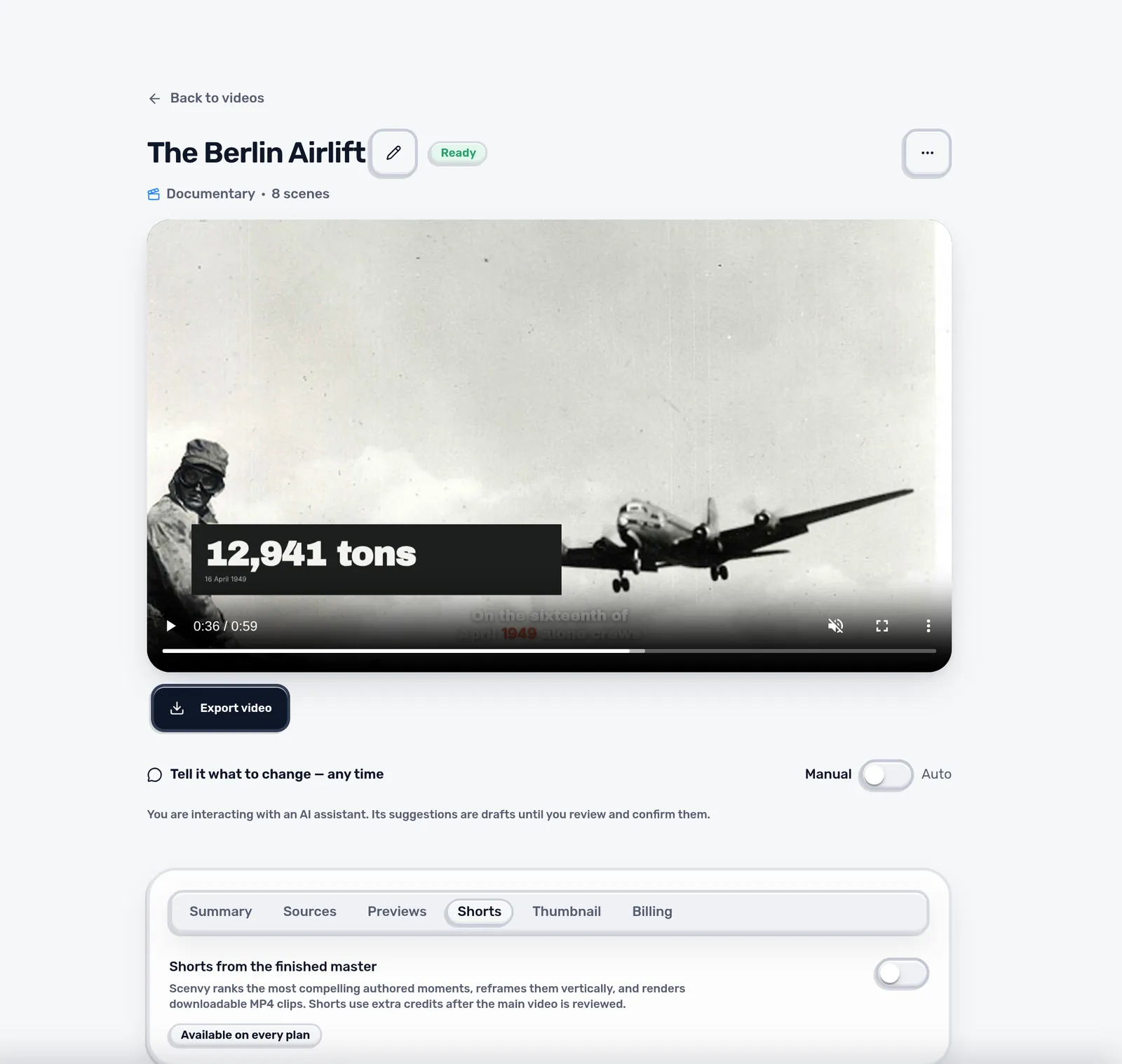
| Vertical Shorts | Video page, Shorts tab |
| Thumbnail | Video page, Thumbnail tab, or Thumbnails |
Public link
Create public link in the video menu makes a view-only page anyone with the link can watch without an account. Stop public sharing in the same menu switches it off again; the link then stops working.
Editable project
Project file in the editor builds a ZIP for Premiere, DaVinci Resolve or Final Cut. It contains a reference render, the clean picture, the graphics as transparent video, the project XML and source media where the license allows it. Keep the folder structure when you unpack it.
- Graphics arrive as video with transparency, not as editable text.
- Media that may not be passed on is listed in manifest.json instead of included.
- Check rights/attribution.json before you share the ZIP with anyone.
Shorts and thumbnails
The Shorts tab finds strong moments in the reviewed video and renders them as vertical clips; they use extra credits. Thumbnails can be generated from the video's title and script. Look at them at small size and make sure they describe the video honestly.
Next: Review before publishing