
Help topics
How production works
A video goes through fourteen stages in a fixed order. Each stage has to pass its checks before the next one starts, so nothing is built on unverified work.
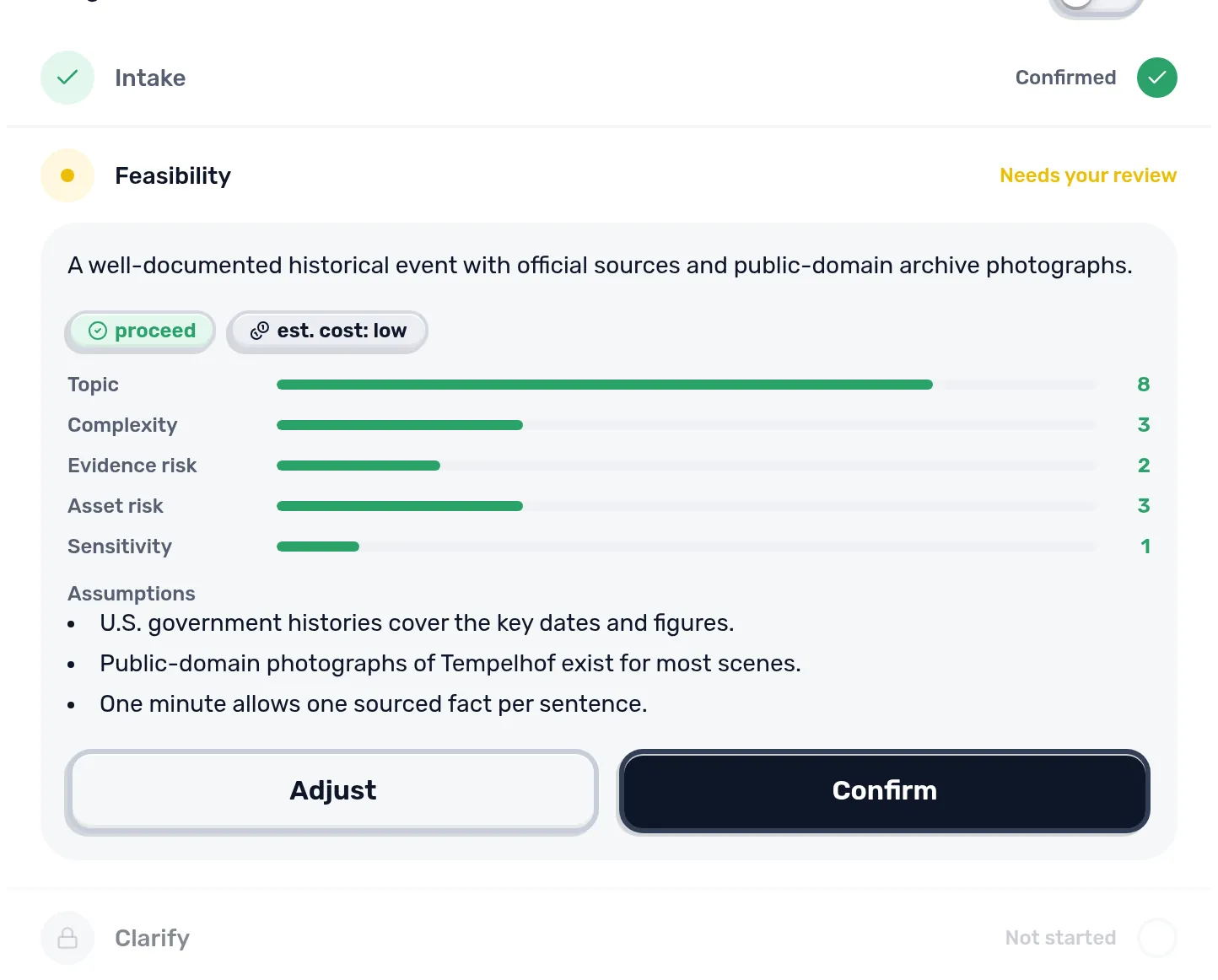
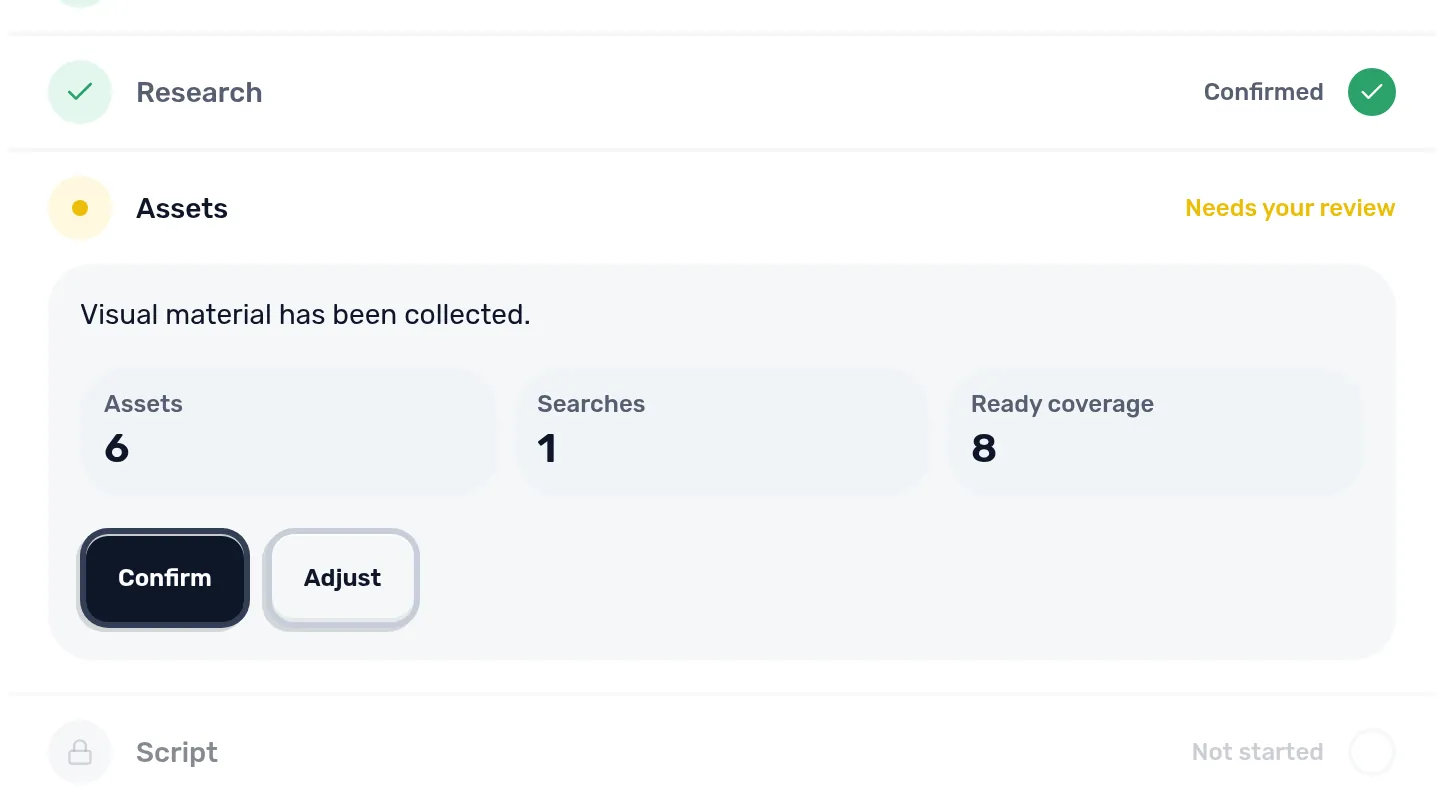
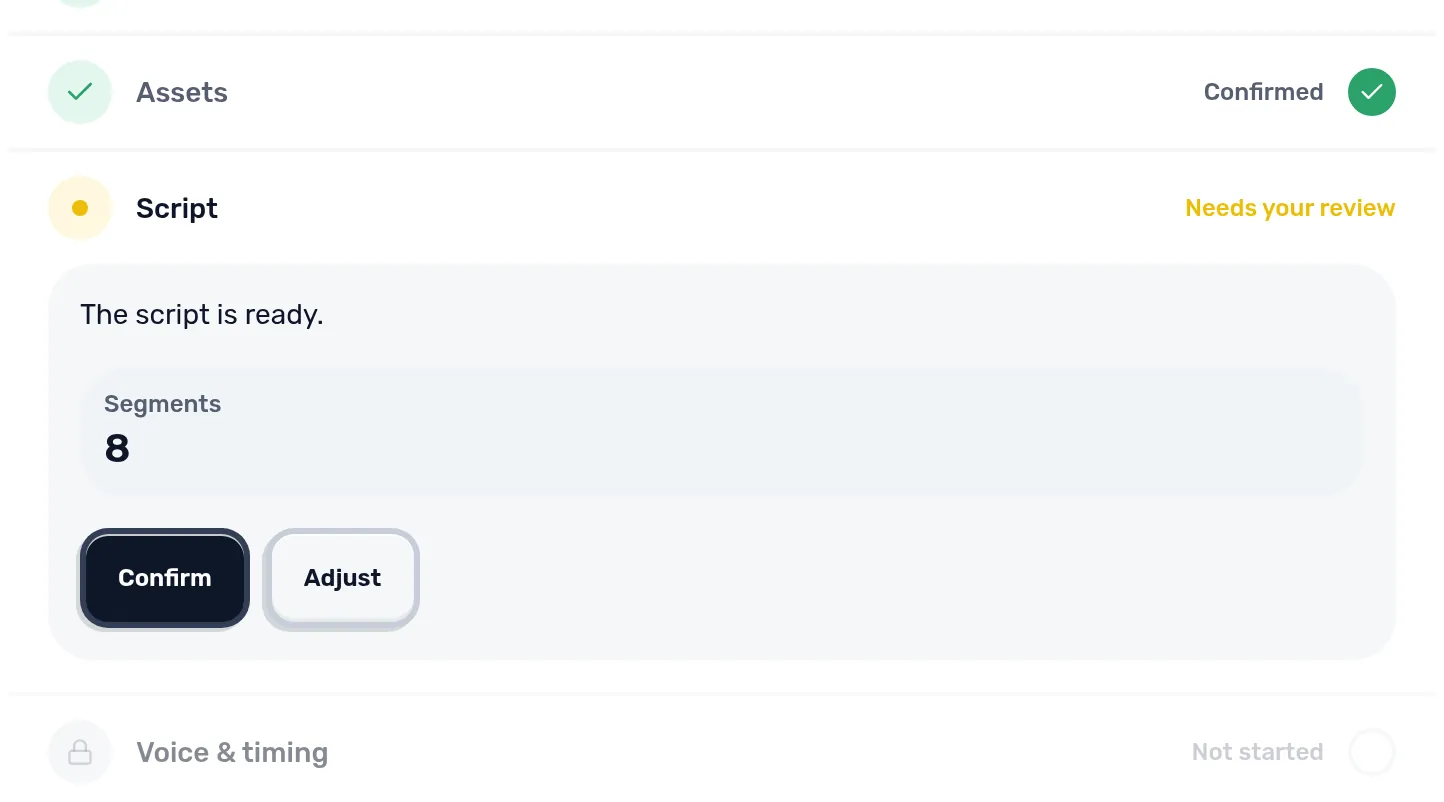
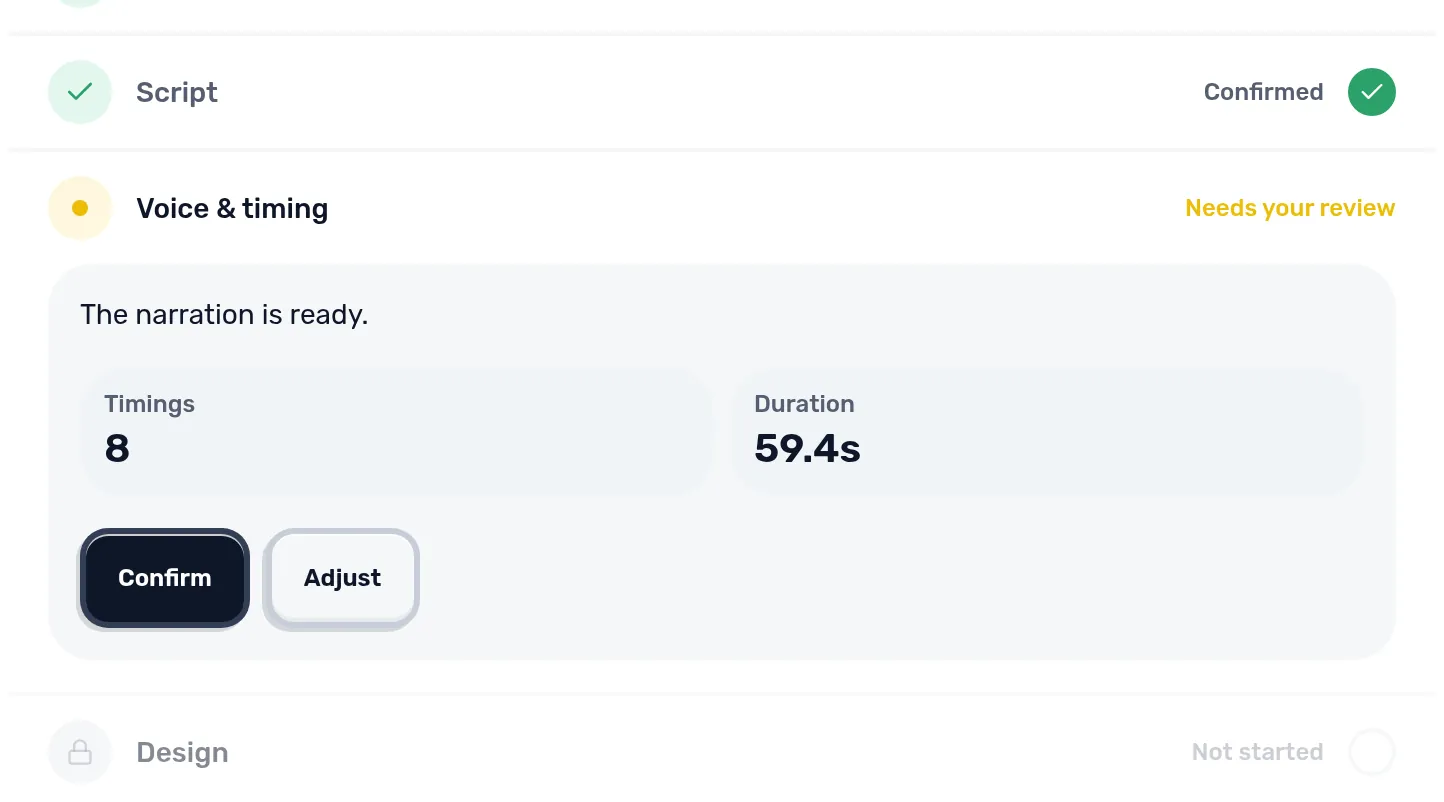
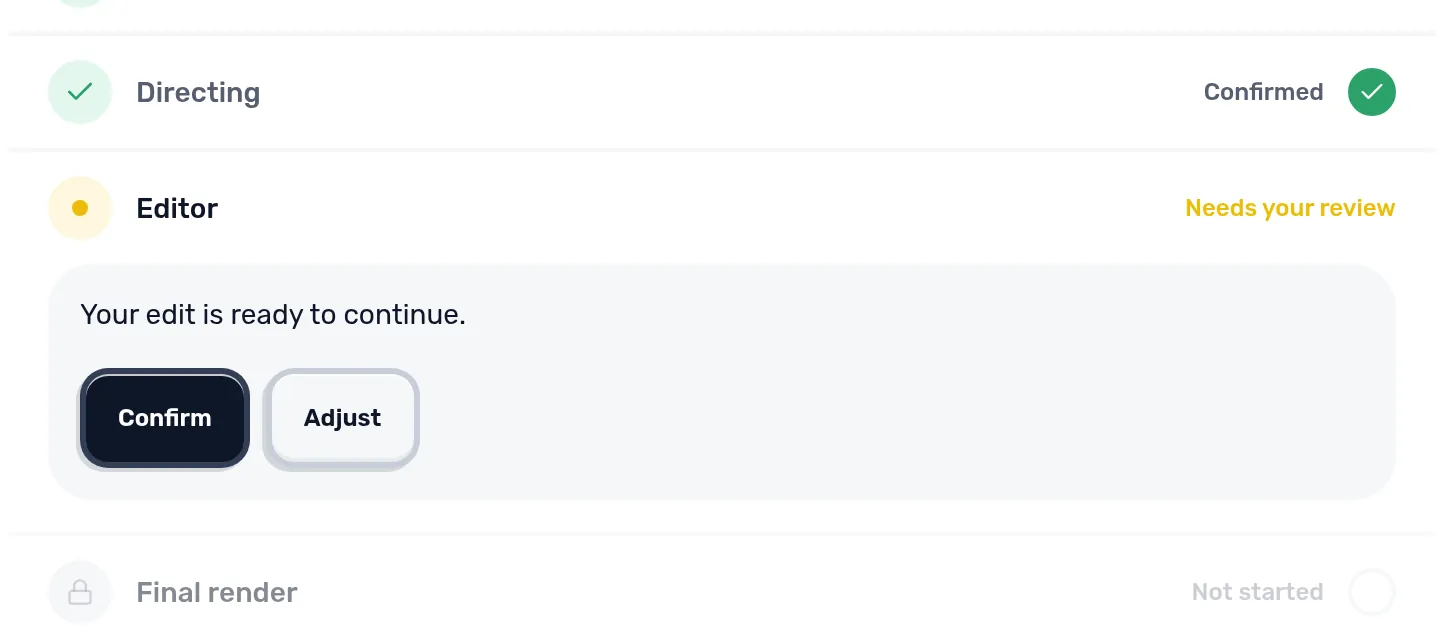
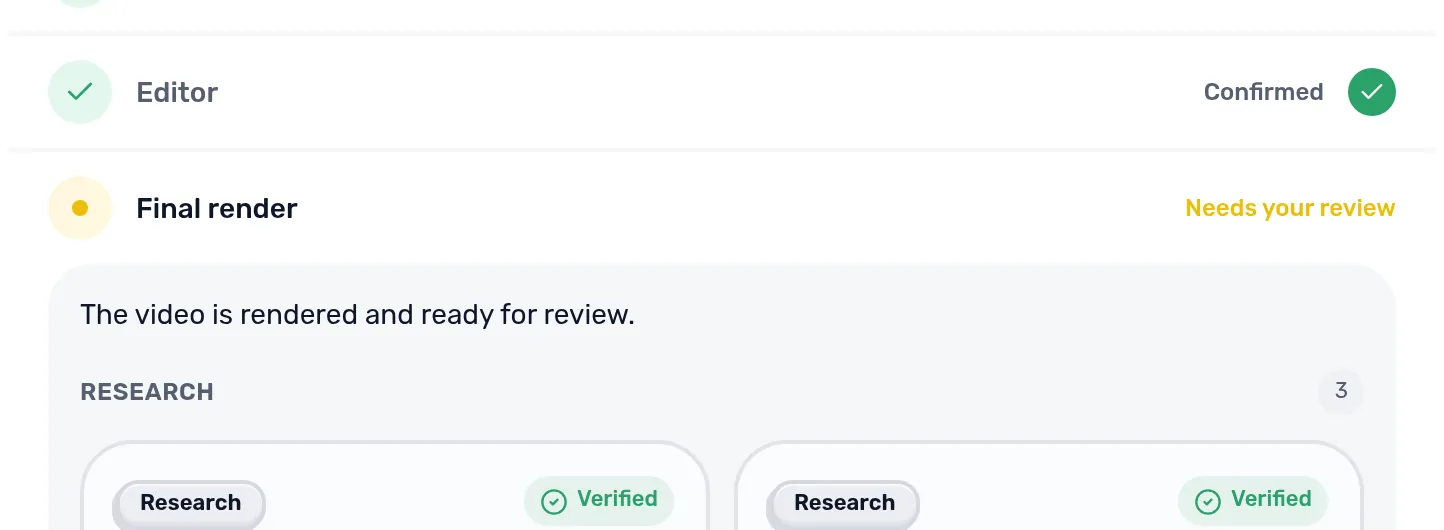
The production page lists every stage. In Manual mode a stage stops at Needs your review and waits until you confirm it or ask for a change with Adjust. In Auto mode the stages confirm themselves where that is allowed. You can switch between the two with the toggle at the top of the list, and you can close the page at any time: production continues on the server.
| Stage | What it produces |
|---|---|
| Feasibility | A first assessment of topic, evidence risk and cost |
| Clarify | A few questions that change the result |
| Your material | Your own footage, images, script or voice, if any |
| Research | Sources and the claims each source supports |
| Assets | Licensed media for every claim |
| Script | Narration in which every sentence is tied to a claim |
| Voice & timing | The recorded narration with word timings |
| Design | The visual style resolved for this video |
| Directing | Scenes: which picture and which graphics, when |
| Editor | An editable timeline |
| Final render | The master video, checked technically |
| Export | The finished file |
Feasibility and clarifying questions
Scenvy first rates how specific the topic is and how hard it will be to find evidence and pictures. If the idea is too vague it recommends a revision before any paid research starts.
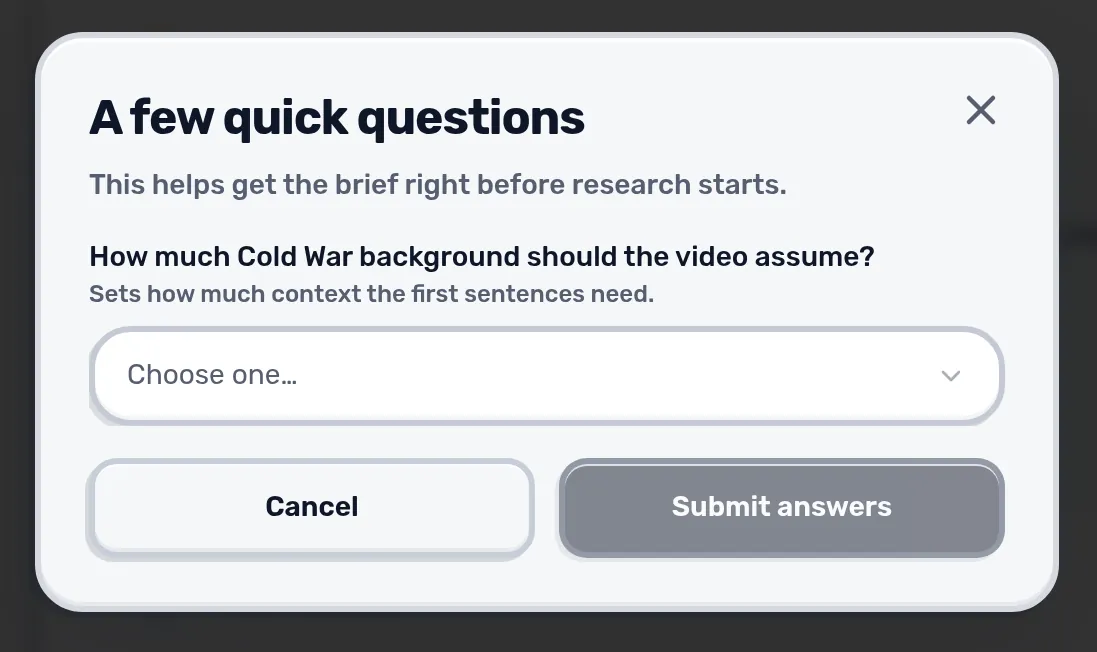
Clarify then asks only questions whose answer changes the video, such as how much background the audience has or which parts deserve the most time.
Research and media
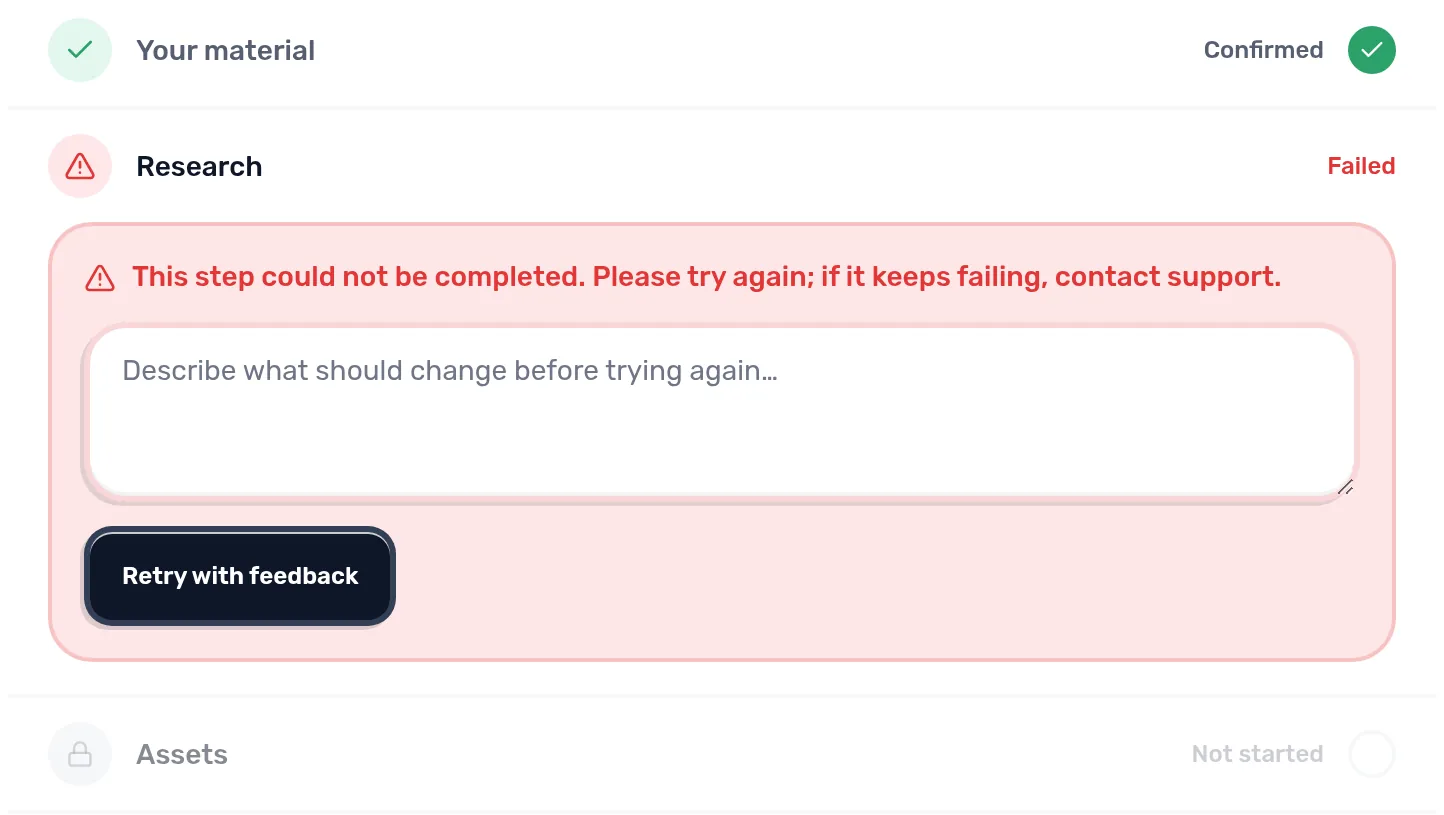
Research collects sources and splits them into individual claims. A claim only counts when its exact wording was found in the source. If a point you asked for in Must cover is not backed by a claim, the stage stops instead of guessing. Add a source for that point or loosen Must cover, then use Retry with feedback.
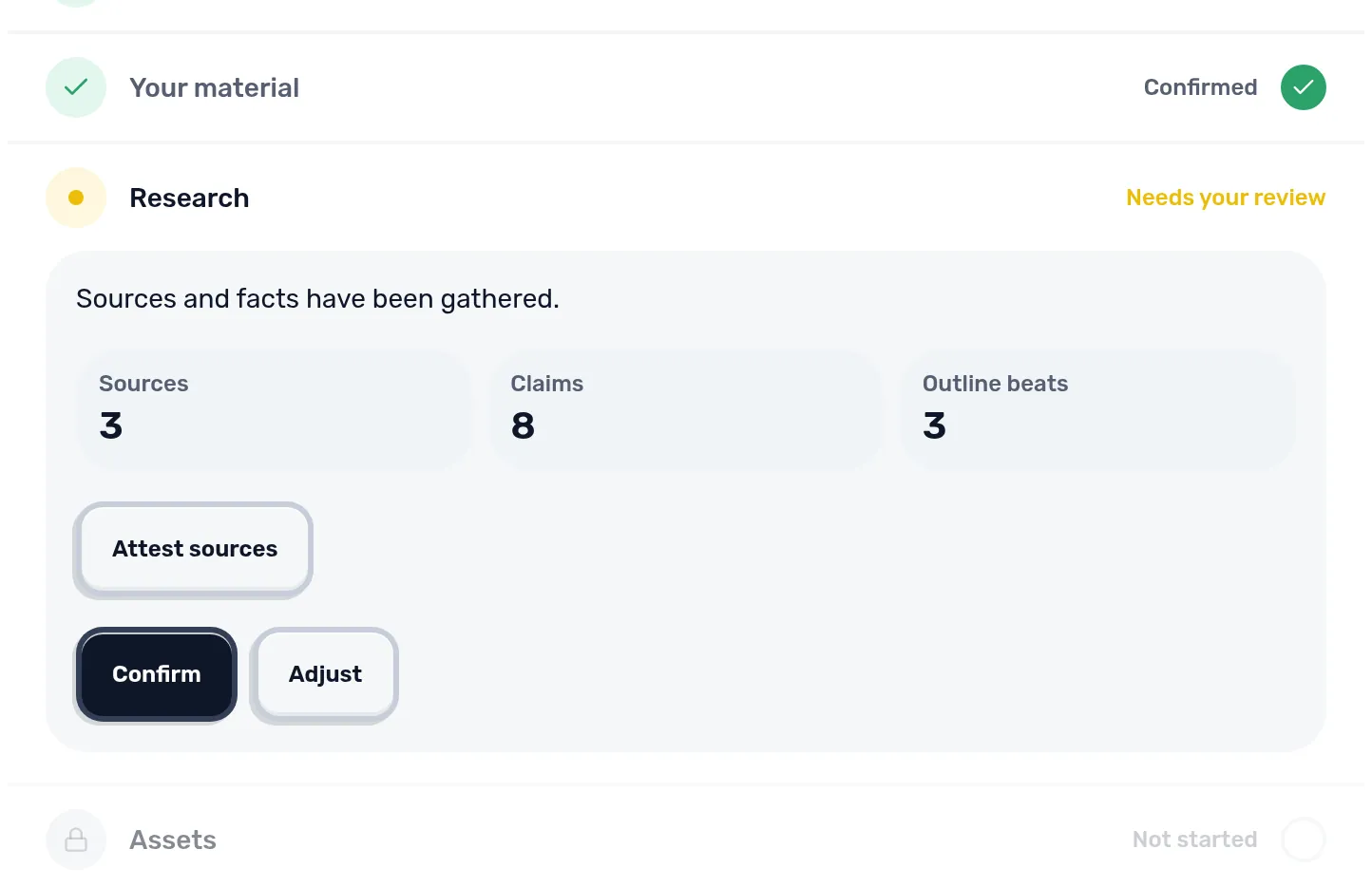
Assets then finds media for each claim and records its license. Only media with a known license reaches the video.
Script and voice
The script is written only from verified claims, and a second review checks every sentence against its source. The voice stage then records the narration and measures when each word is spoken. All later timing comes from these measurements, not from estimates.
Design, directing and editor
Design applies the project style. Directing then decides, scene by scene, which picture carries the sentence and which graphic sits on top. Only catalogued graphics that have passed a test render are allowed, and pacing rules keep shots short enough to stay watchable.
Final render and export
The final render builds the master and checks it: the length has to match the narration, the file has to match its record, and the picture and sound streams have to be complete. Only then can the video be exported.
Tip: If a stage shows an error, read its message first. Most stop because something is missing, such as a claim for a Must cover point, and Adjust is the quickest fix. Starting a new video costs credits again.
The finished video opens on its own page; see Export and sharing.
Next: Writing a brief