
Help topics
Settings and languages
All settings are chosen in Create. Most can only be set before production starts, so this page lists what each one does.
| Setting | What it changes | Changes the cost |
|---|---|---|
| Format | How the story is structured | No |
| Style | Look and pacing, fixed per project | No |
| Length | Target running time | Yes |
| Voice | Who writes and who speaks the narration | Depends on provider |
| Captions | Subtitles burned into the video | No |
| AI-generated images | A share of illustrations for explanatory moments | Yes, per image |
| Output languages | One narrated version per language | Yes, per language |
| Auto or Manual | Whether production pauses for review | No |
Formats
| Format | Good for |
|---|---|
| Documentary | Events and people, led by one strong image per scene |
| Chronicle | Developments told in date order |
| News & Conflicts | Current events, territories and front lines |
| Explainer | How something works, step by step |
| Ranking | Top lists with one sourced fact per entry |
| Investigation | Documents, relationships and open questions |
| Educational | Academic and technical topics with diagrams |
Voice
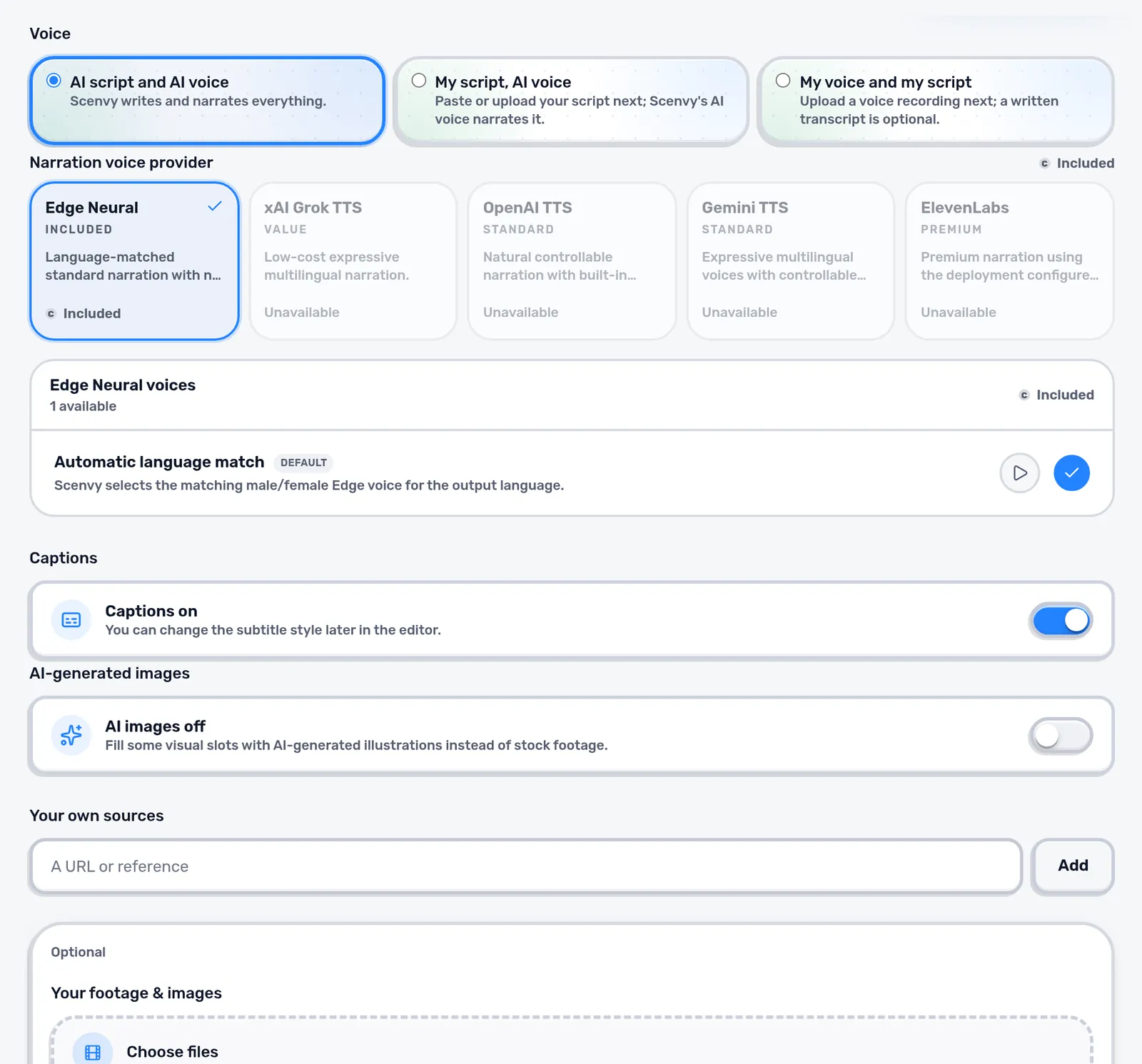
“AI script and AI voice” lets Scenvy write and speak everything. “My script, AI voice” keeps your text word for word. “My voice and my script” uses a recording you upload; the scenes then follow your real speaking times. The included Edge voices pick a matching voice for each language; other providers are shown with their price level where your plan offers them.
Languages
Research and media are gathered once. Every selected output language then gets its own script, narration, overlays and render, and the price next to each language shows what it adds. A recording of your own voice covers one language. Each language version is reviewed and downloaded separately.
Tip: Finish and review the first language before adding others. Corrections then carry into every translation.
AI-generated images
When switched on, Scenvy may fill a limited share of scenes with illustrations, for example to explain a mechanism. They are never used as evidence of a real event, person or document. Real events are shown with real, licensed media.
Next: Your own material